Generative AI
Mural AI wireframing review: features, limits, and verdict
 4minutes read
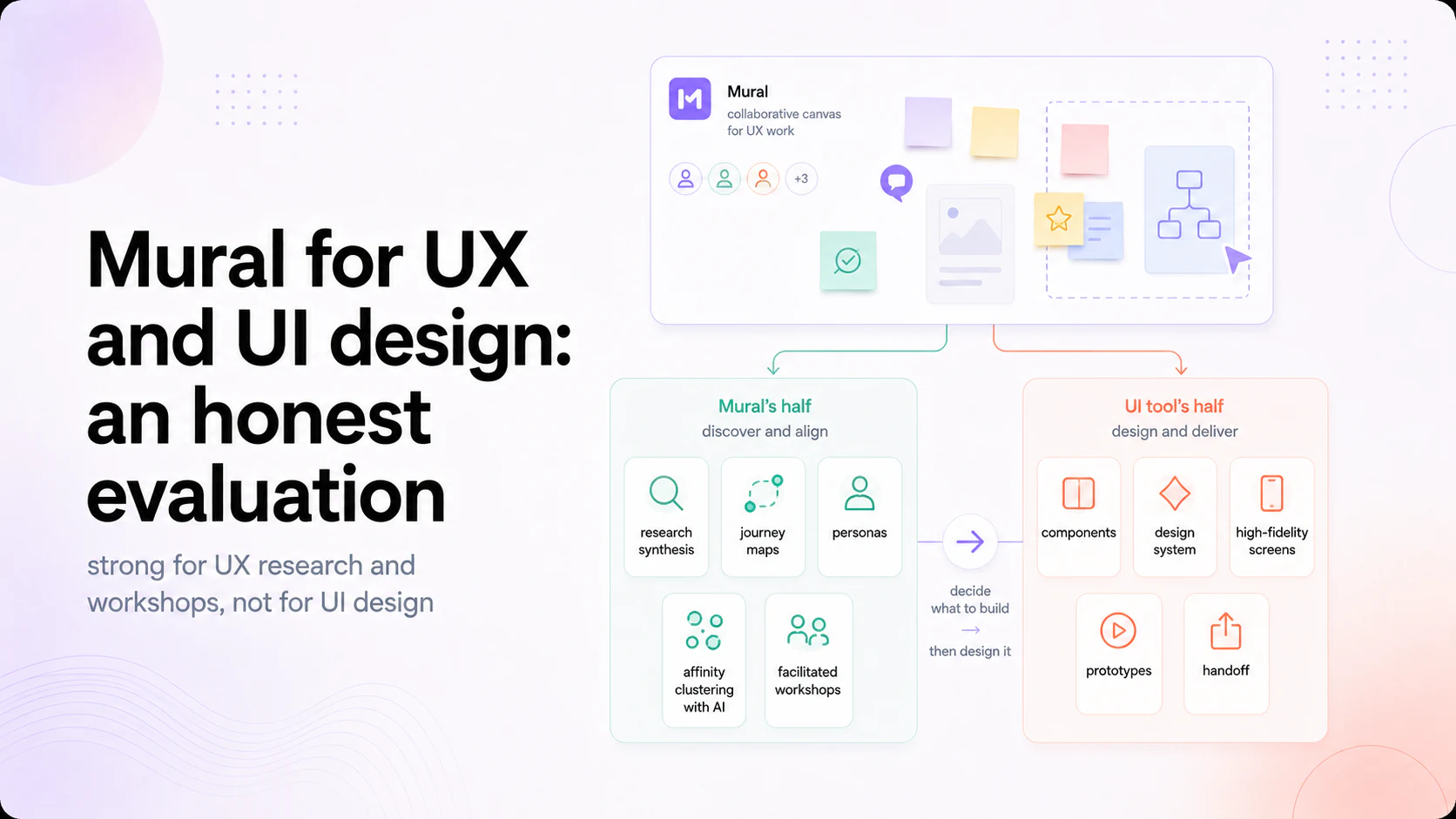
Mural is a strong low-fidelity wireframing tool, but not in the way people expect from the phrase "AI wireframe generator." Its AI clusters sticky notes, summarizes boards, and generates mind maps and starting structures; it does not generate finished wireframes from a prompt the way dedicated AI wireframing tools do. What Mural gives you is an infinite canvas, a Wireframing Kit and template library, and real-time collaboration, so teams sketch low-fi structure together fast. Evaluate it as a collaborative low-fi wireframing space, not a generative wireframe engine.



Mural for wireframing is best understood by separating two things people conflate. Mural documents AI features for mind maps, clustering, summarization, classification, and conversation ; it does not document prompt-to-screen generation as a Mural AI feature. Separately, Mural provides a desktop wireframing kit on its collaborative canvas. The practical verdict is therefore specific: useful for collaborative low-fidelity structure and workshop synthesis, but not a substitute for a tool that generates finished interface screens from a prompt.
We run discovery and design for product teams across these tools, so this is a practitioner's read on where Mural helps in wireframing and where it does not.
What Mural actually does for wireframing
Mural's wireframing strength is the canvas and the collaboration around it. Its published feature set includes flexible canvases and shared visual collaboration , while the wireframing template supplies reusable components for desktop-sized screens. For the earliest stage of design, that supports page structure, information architecture, and flow discussion before a team commits to detailed UI.
The second strength is facilitation. Mural is built around structured collaborative sessions, so a wireframing workshop with eight people has timers, voting, private mode, and summoning to keep it moving. That is a real advantage over tools where wireframing is a solo activity you later present. If your wireframing is a team sport at the low-fi stage, Mural is built for that, and it is why it shows up in enterprise design workflows.
Where the "AI wireframe generator" expectation breaks
Here is the gap that matters. Mural's published AI capabilities center on clustering, summarizing, classifying, conversation, and generating starting structures such as mind maps. The company separately publishes a manual wireframing template. Based on those first-party feature descriptions, Mural AI should be evaluated as an assistant inside a collaborative canvas, not advertised as a documented prompt-to-wireframe product.
So if you arrive expecting to type "generate a wireframe for a SaaS pricing page" and get screens, that is not what Mural does. The 2026 AI wireframing category, tools that generate screens and flows from a prompt and sometimes carry them toward code, is a different product category, and Mural is not competing in it. This is not a defect so much as a positioning difference, but it is the single most common mismatch in expectations, and it is worth being blunt about before a team adopts Mural for the wrong reason.
Where the low-fi ceiling sits
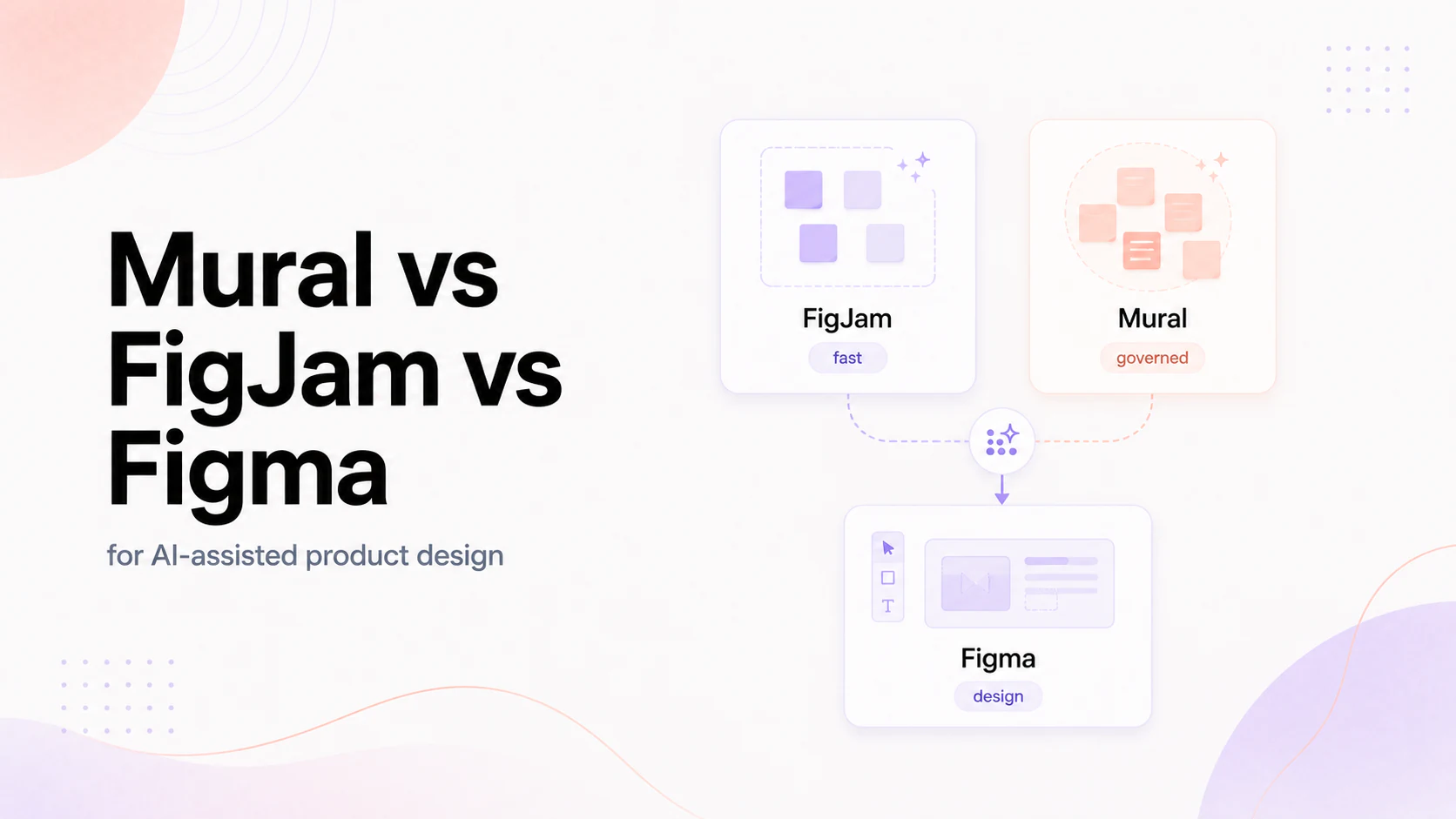
Mural is deliberately low fidelity, and that shapes what it can carry. It is excellent for the structural questions, what goes on the page, in what order, what the flow is, and it is not where you produce high-fidelity UI, design systems, component states, or anything you hand to engineering as a spec. That work moves to a dedicated design tool, in most teams Figma, which is why Mural sits before design rather than replacing it, the split we cover in Mural vs FigJam vs Figma .
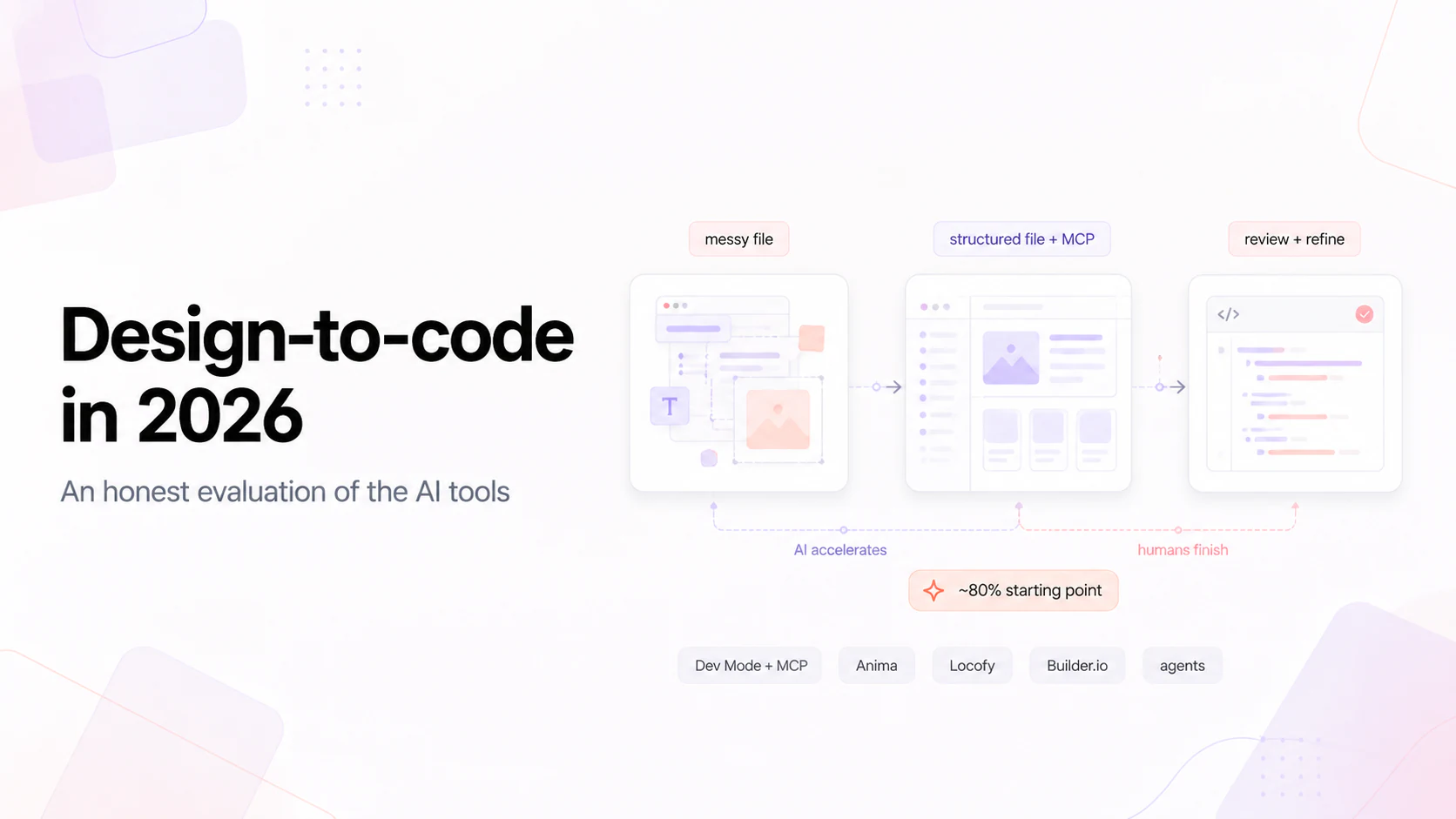
The practical limit is fidelity. Mural's own wireframing kit tells users to keep this stage simple. The output is a communication artifact rather than an implementation-ready component system, so the handoff from Mural to detailed design and build remains a real step. That broader boundary is covered in design-to-code in 2026 .
How to use Mural well for wireframing
If Mural fits your stage, use it for what it is:
- Use it for collaborative low-fi structure. Page layout, IA, flows, sketched together in a live or async session, is where it is genuinely strong.
- Start from the Wireframing Kit and templates. They remove the blank-canvas problem and enforce a shared visual language across a team that is not all designers.
- Use the AI for synthesis, not generation. Cluster the research notes, summarize the workshop into decisions, generate a starting mind map, that is where Mural's AI actually saves time.
- Move to a design tool for fidelity. Take the agreed structure into Figma for real UI, components, and states, rather than pushing Mural past its fidelity ceiling.
- Keep boards scoped. Split large efforts across boards to avoid the performance drag on huge boards with many participants.
Used that way, Mural compresses the messy front end of design and hands off a structure everyone agreed on, which is a real contribution to the work.
The verdict
Mural is a strong collaborative low-fidelity wireframing tool and not an AI wireframe generator. Its canvas, Wireframing Kit, template library, and facilitation features make it genuinely good for sketching structure and flows with a team, especially in enterprise settings where collaboration is a governed process. Its AI clusters, summarizes, and generates starting structures rather than producing finished wireframes from a prompt, so teams expecting generative wireframing should look at the dedicated tools in that category. And its low-fi ceiling means real UI and handoff still happen in a design tool. Match it to the early, collaborative, structural stage and it earns its place; expect generative screens and it will disappoint.
If you want AI-assisted discovery and wireframing run by a senior team and carried through to real product design, that is where our AI Discovery work starts.
FAQ
Does Mural have an AI wireframe generator? Not in the generative sense. Mural's AI clusters sticky notes, summarizes boards, and creates mind maps and starting structures, but it does not generate finished wireframes or screens from a text prompt the way dedicated AI wireframing tools do. Mural provides wireframing templates and a canvas, not prompt-to-wireframe generation.
Is Mural good for wireframing? Yes, for collaborative low-fidelity wireframing. It offers an infinite canvas, a Wireframing Kit template, a broad template library, and real-time multiplayer editing with facilitation tools, which makes it strong for sketching page structure, information architecture, and flows with a team.
What does Mural's AI actually do? It clusters sticky notes into themes automatically, summarizes busy boards into takeaways and action items, and generates starting structures like mind maps. It is aimed at synthesizing what a team has already put on the board rather than generating design artifacts for them.
Can Mural replace Figma for design? No. Mural is low-fidelity by design and stops at structure and flows. High-fidelity UI, components, states, and design systems belong in a dedicated design tool like Figma. Mural sits before design in the workflow rather than replacing it.
What are Mural's limitations for wireframing? Its published wireframing kit is intentionally low fidelity, so the output is a communication artifact rather than an implementation-ready design system. Mural's documented AI feature list does not include prompt-to-screen wireframe generation.
News & Insights
Start here
Bring us the agent that keeps braking
Tell us which workflow eats time, creates errors, or keeps landing back in a human review queue. We map the data, tools, risks, and escalation path before recommending anything.